


Schedules
FF&E specs with tags, options and statuses.
Clients, suppliers, schedules and approvals in one calm place, with an AI that drafts the work and waits for your yes.
From the first idea to the last delivery.
FF&E specs with tags, options and statuses.
Save a piece once. Use it in every project.
Every project, its team and its next date.
Gather ideas, then present them to clients.
Find any project, file or product with ⌘K.
Follow every piece from draft to delivered.
Every stage of a project, in one place.
Gather references and develop the idea.
Every piece, with sizes, finishes and lead times.
Show the scheme and mark what the client approves.
Follow each piece from quoting to delivered.
Plan the install as phases and tasks.
From a designer working alone to a team across many projects.

Run every project yourself. Stylo keeps schedules, dates and suppliers straight, and drafts the admin for you to approve.
See plans
Share projects, schedules and the product library, so the whole team works from the same specification.
See plans
Give each project its own team, and follow its phases and tasks on one timeline.
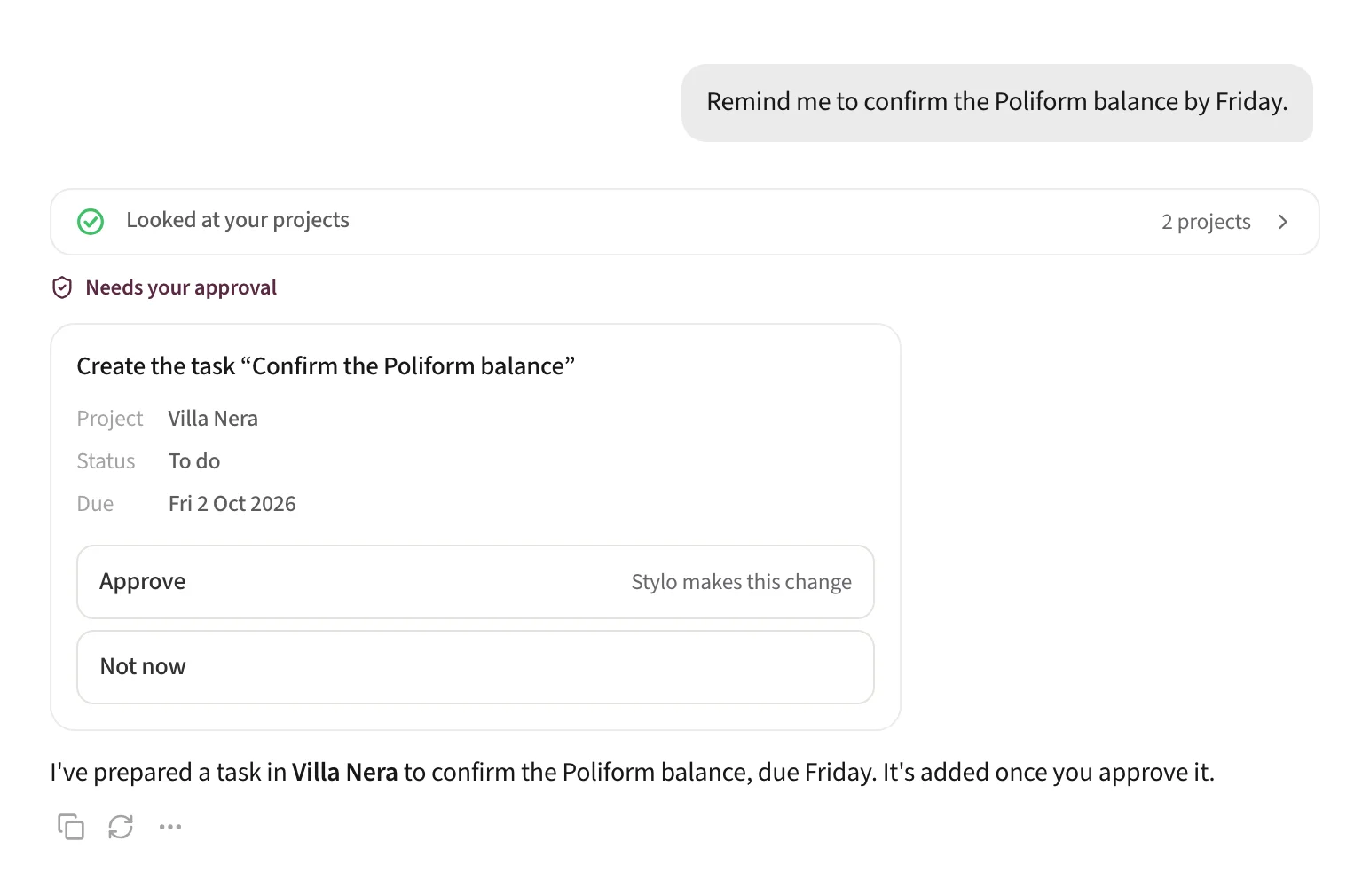
See plansAsk Stylo is part of every area rather than a separate tool. It reads the same projects, schedules, library and contacts your team works in, and drafts changes right there for you to approve.
Interior designers and studios running several projects at once, who want their projects, schedules and libraries in one place.
It answers questions from your projects, phases and tasks, schedules, product library and address book, and drafts changes in them, such as new tasks, dates and schedule items. You approve each one before anything changes.
No. Stylo doesn’t send messages, place orders or make payments.
Yes. Your studio’s members share its projects and libraries, and each project has its own team.
You started a studio to design. Let Stylo run the rest.

